
Use your invited account and build. If a named control is absent, check your app version and confirmed beta access before continuing.
Install your invited build and sign in
Use only the installation instructions sent by the beta team. Sign in with your invited account, enter your display name when prompted, and continue to Home. There is no public download yet.
Open Quick Game and choose the format
On Home, open Quick Game. Choose the starting score and match format offered by your build. Add the players and check their names before starting.
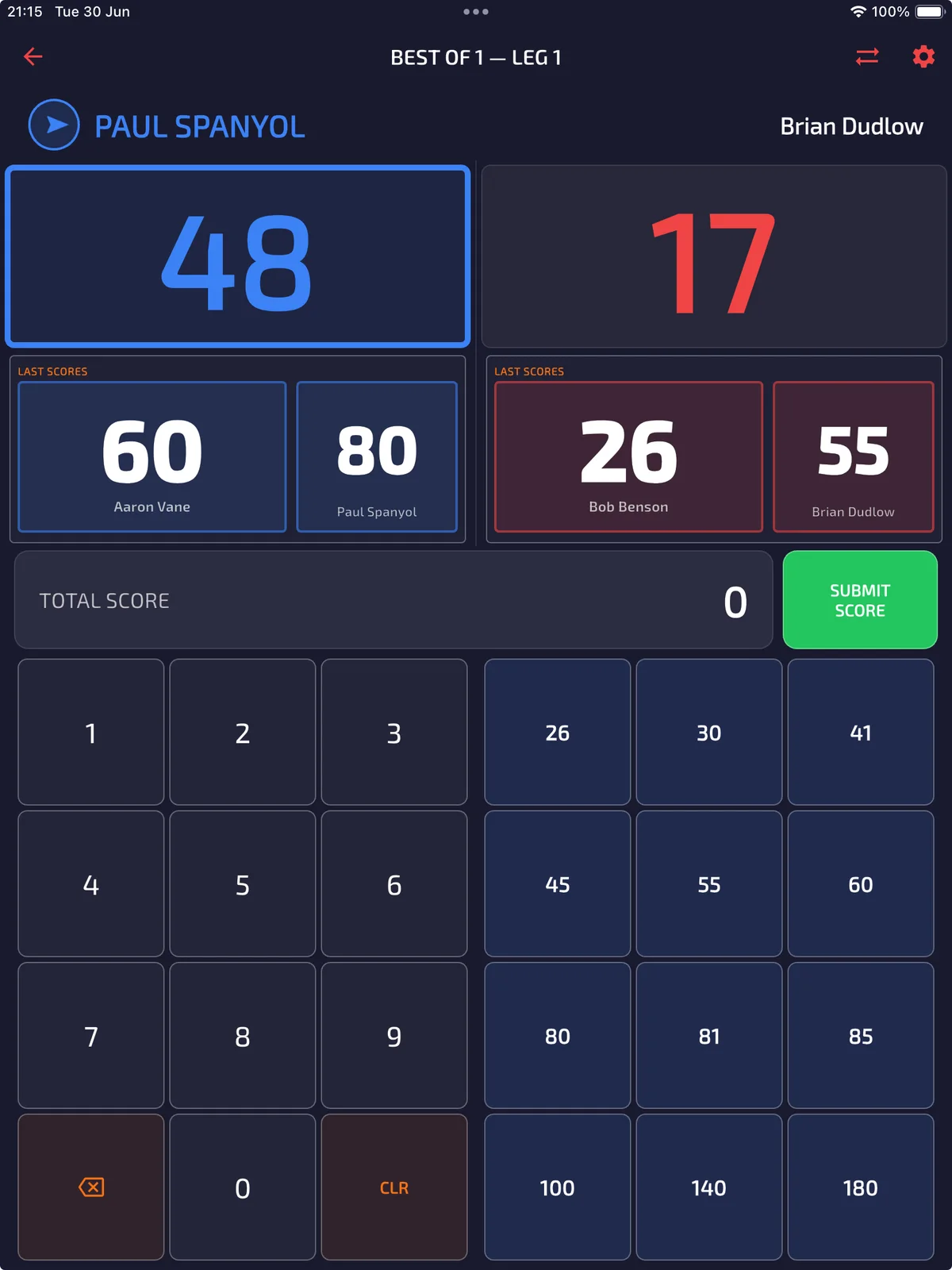
Enter each visit
Enter the total scored in a visit using the keypad or a configured preset. Check the selected player and remaining score before submitting. Follow the finishing prompts when a player checks out.
Review the completed game
After the final leg, review the result. Open Statistics to inspect the saved record where enabled for your beta account. If the record is missing, keep the app data and report your build, format and finishing steps to the beta team.
Include your device, operating system, app version, account email and steps taken in a beta bug report.